How To Add Inventory in Books
How To Add Inventory in Books
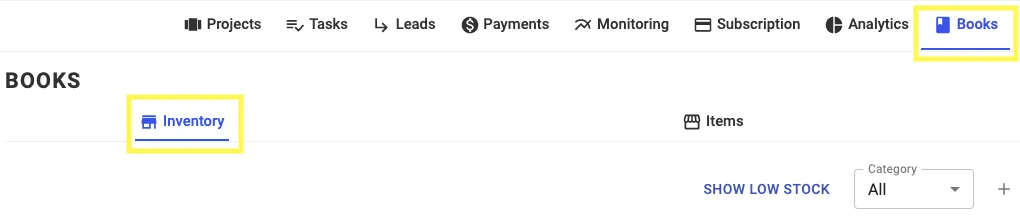
Step 1: Open Books Tab and Go to "Inventory"
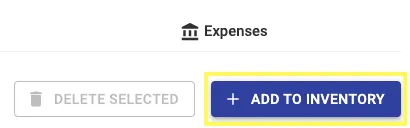
Step 2: Click on "+ Add Inventory"
Step 3: Enter the necessary details
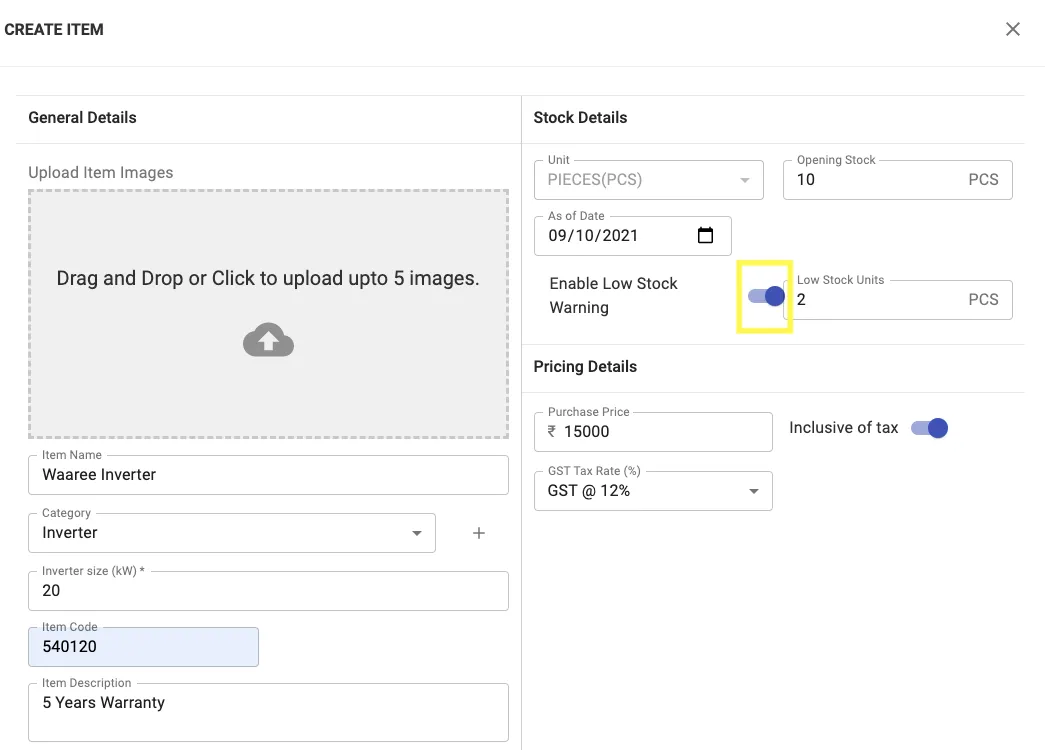
Enable Low Stock Warning if required
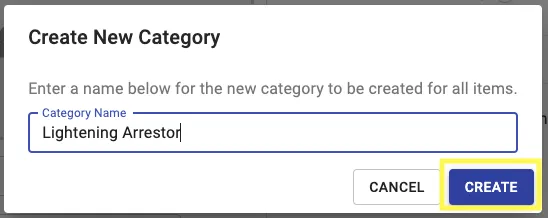
In category, if you want to add a new category, Click on "+"
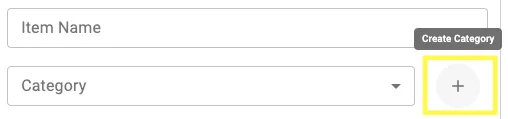
Add the Category Name and Click on Create
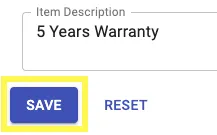
Step 4: Click on Save
Inventory Item will be added to the list
Related Articles
How To Add Items in Books
How To Add Items in Books Step 1: Open Books Tab and Go to "Items" Step 2: Click on "+ Add Item" Step 3: Enter the necessary details In category, if you want to add a new category, Click on "+" Add the Category Name and Click on Create Step 4: Click ...How To Add Expenses in Books
How To Add Expenses in Books Step 1: Open Books Tab and Go to "Expenses" Step 2: Click on "+ Add Expenses" Step 3: Enter the necessary details, Click on "+ Add Items" to add Expense Details To Link expense to a project, Switch the toggle button and ...How To Add Item in BOM
Step 1: Open the project Step 2: Go To the Costing Tab Step 3: Click on ‘ADD ITEM’ new tab will appear Step 4: Click on ‘CREATE ITEM’ to add all the required items Step 5: Fill the details & Click on Save Step 6: Select the item, add quantity & Click ...How to Add Freight Cost to BoM
How To Add Freight Cost to BoM Step 1: Click on the Edit Icon of the Item you want to add freight. (Please keep in mind if the item is dispatched then you can't edit. You can undo the dispatch and edit the item) Step 2: Add the Freight Cost Step 3: ...How to Dispatch an Item
How to Dispatch Item on Solar Ladder Step 1: Click on Dispatch in Order Tab Step 2: Click on the "Tick Box" of the item you want to dispatch You can Undo the action by Clicking on the "Tick Box" Again