Design Tools Introduction
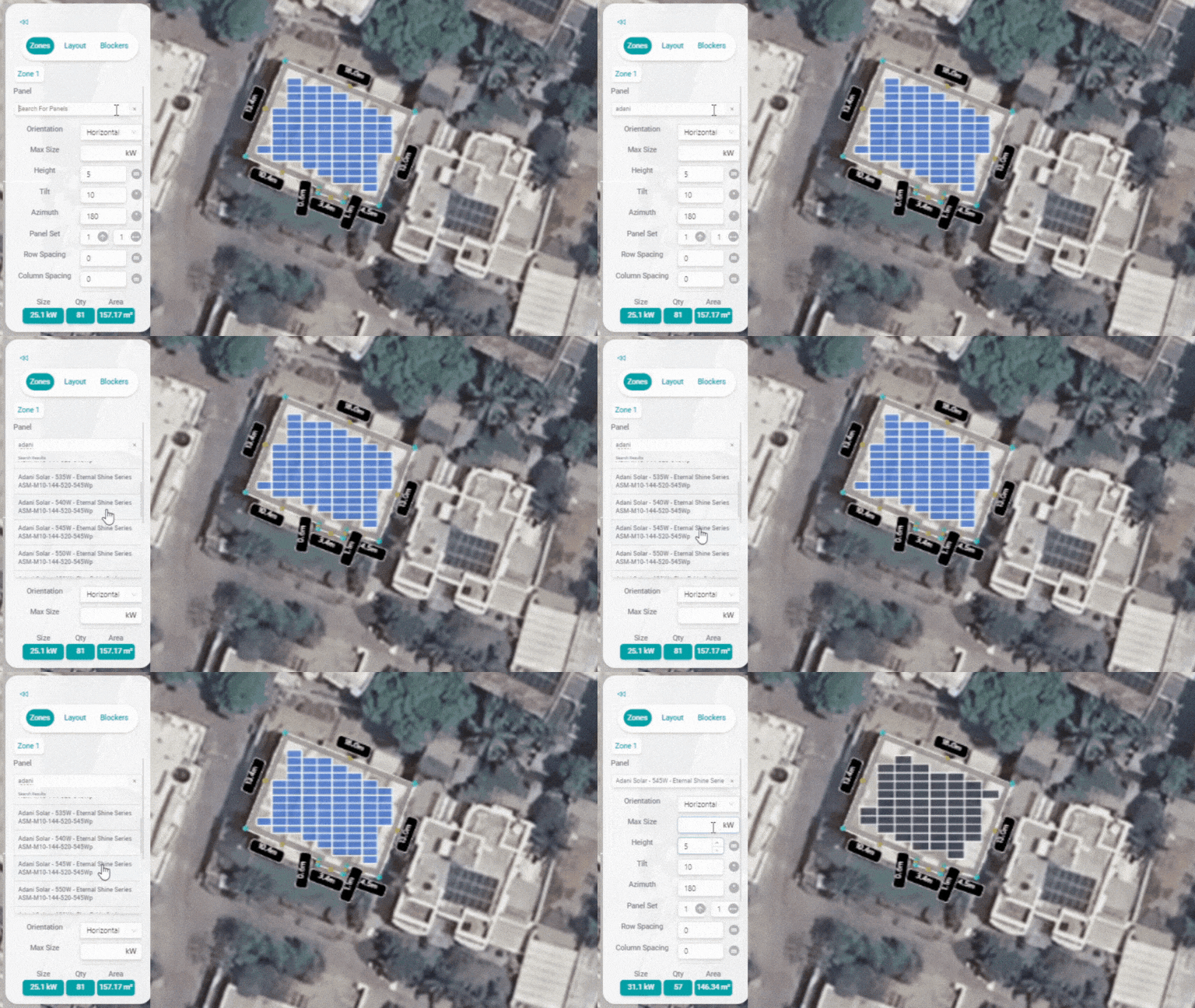
Panel Type: Search for the panel you want and choose from the list of brands, Watt Peak and Type of Solar Panel for your project.
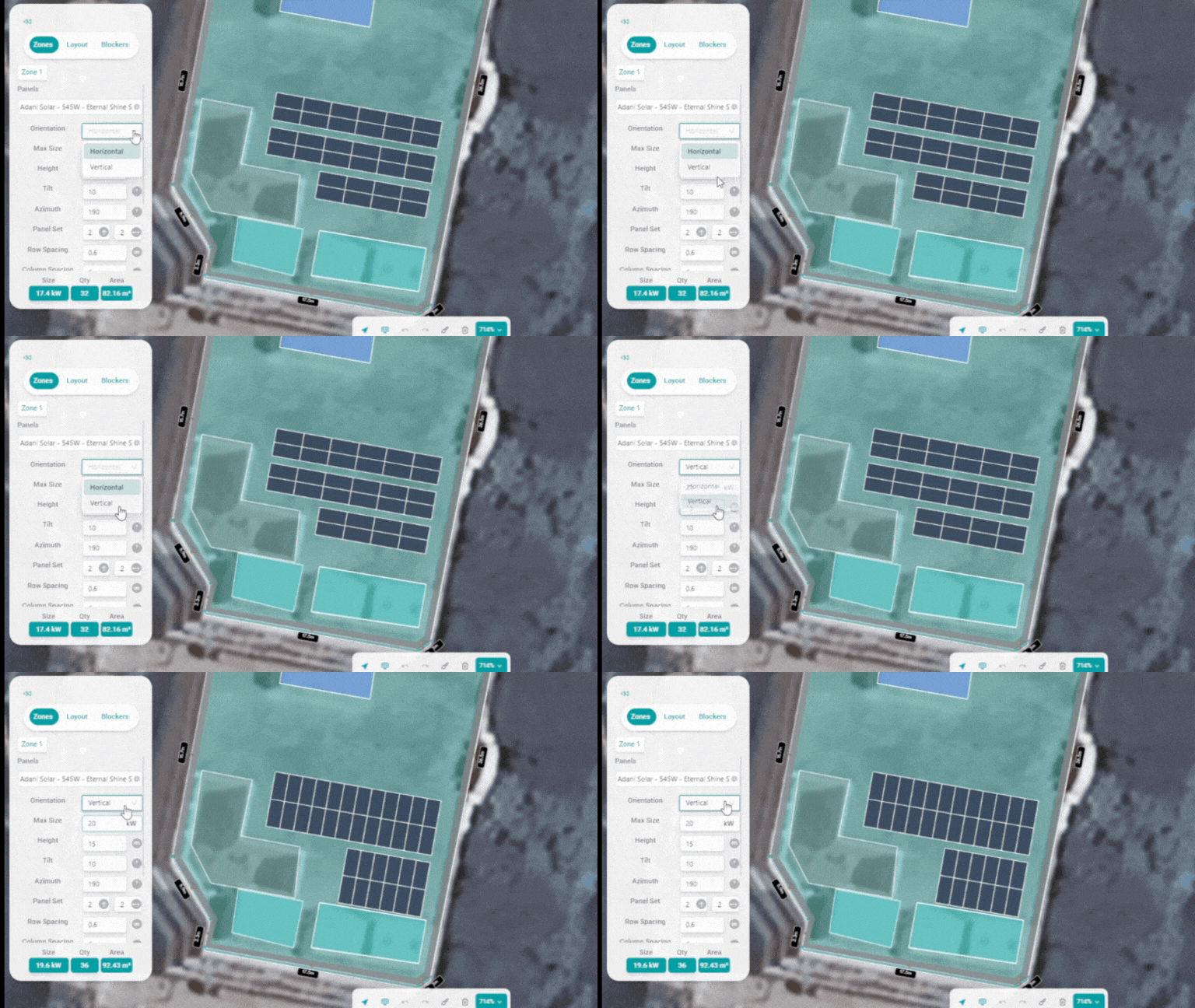
Orientation: Use the Orientation tool to determine the positioning of your solar panels. Choose between horizontal or vertical alignment based on your project's specific requirements.
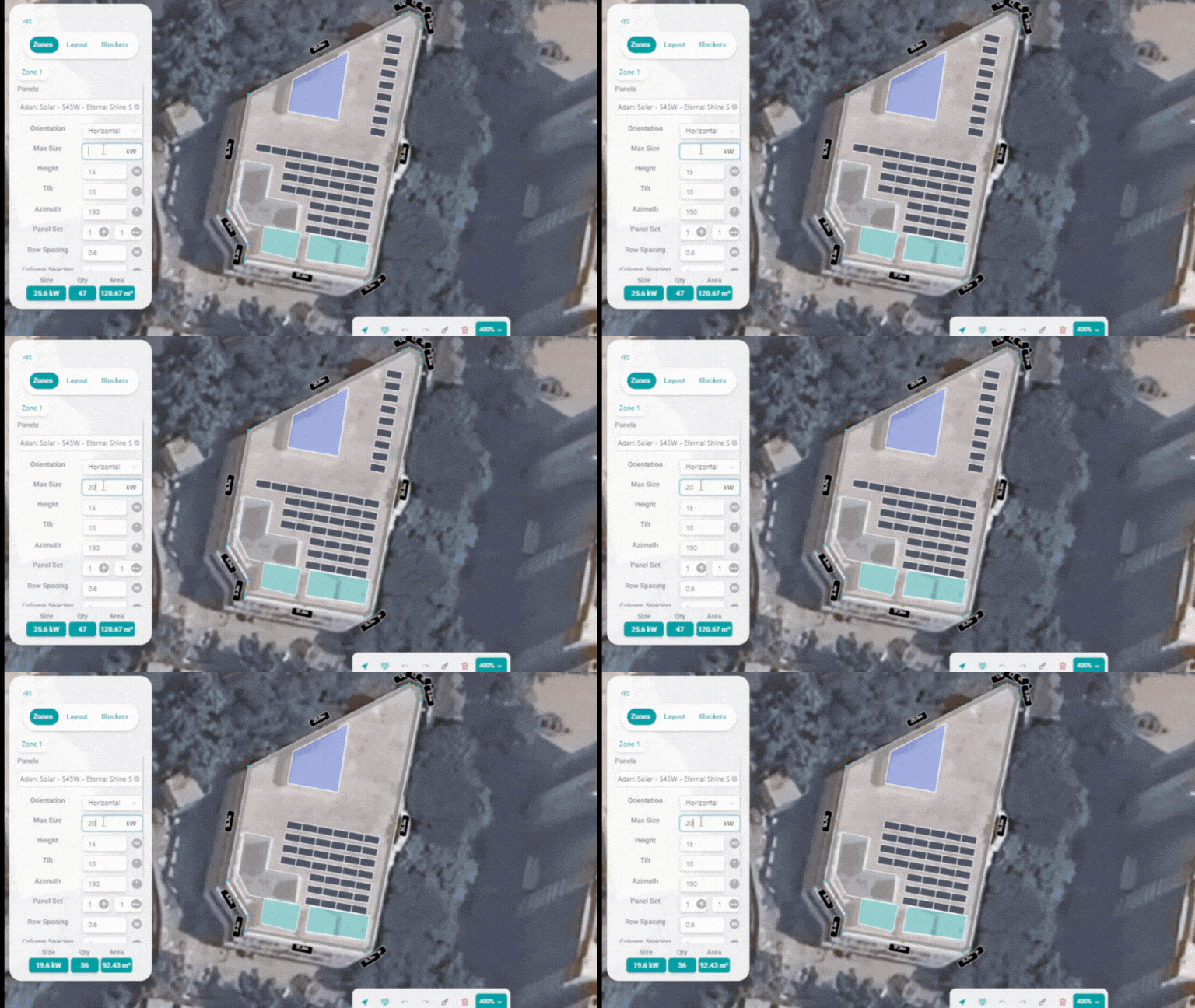
Max Size: Set the maximum capacity of solar panels you want to place on the Zone
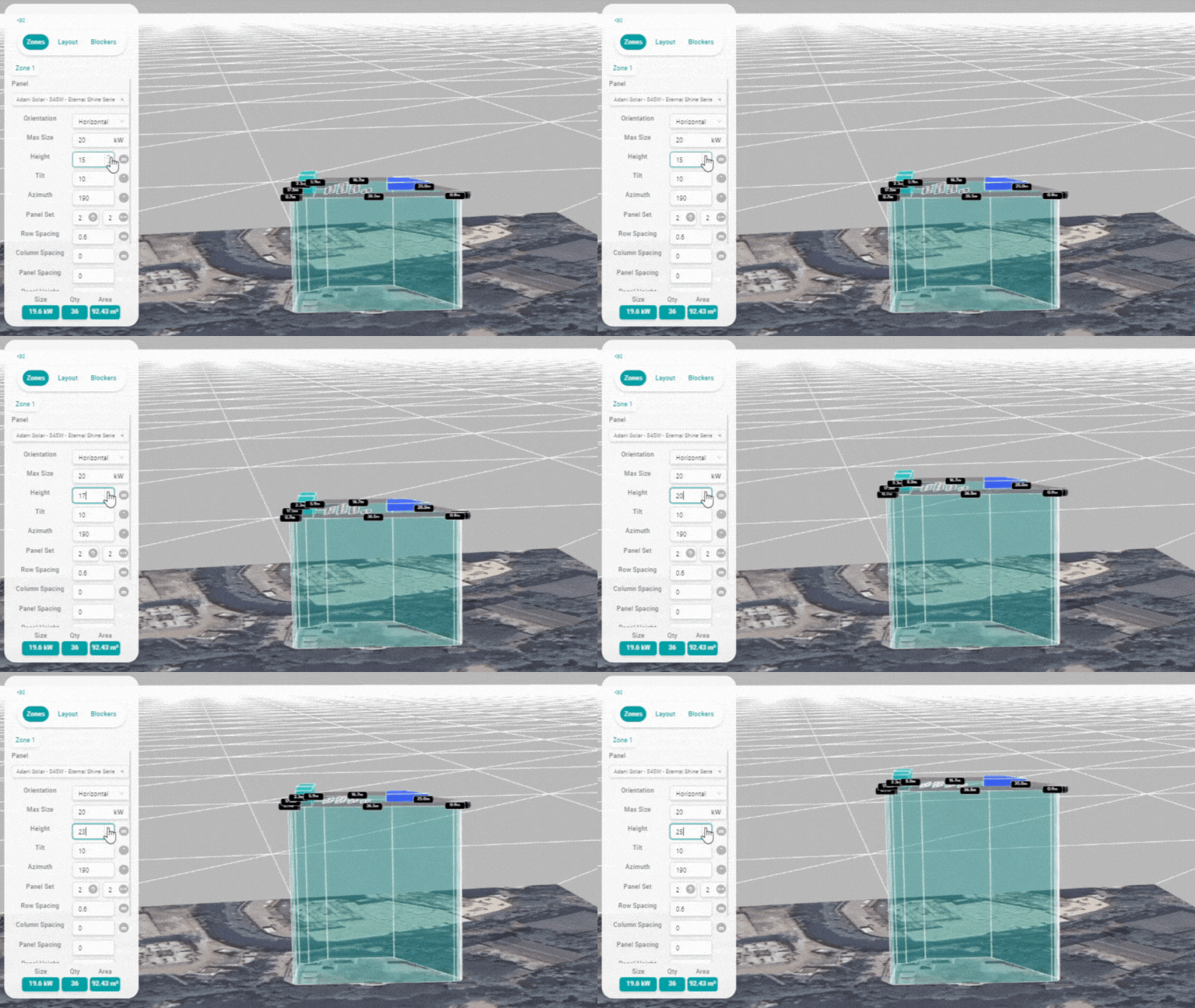
Zone Height: To change the height of a specific Zone
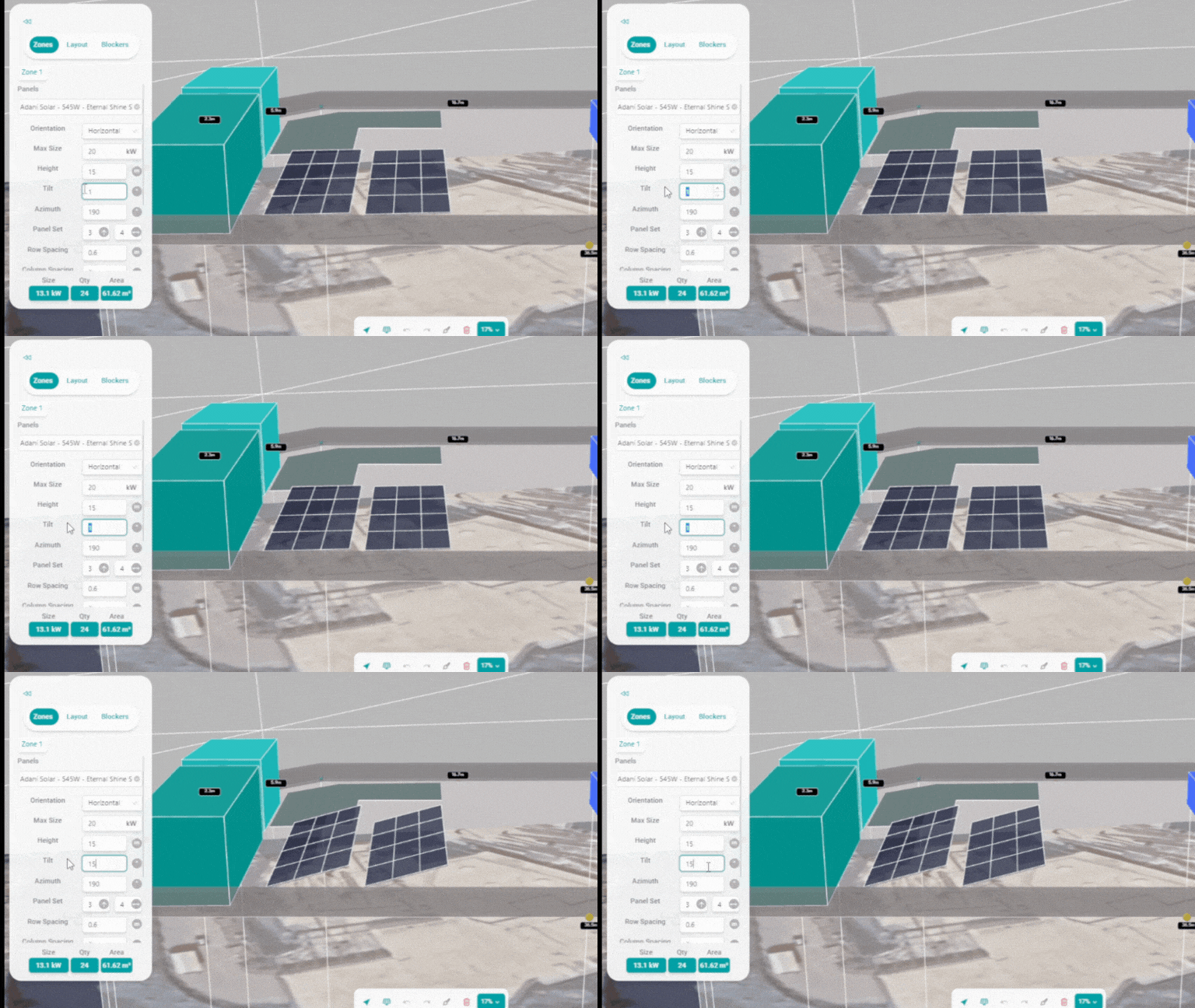
Panel Tilt: The tilt represents the angle/pitch of the solar panels in degrees.
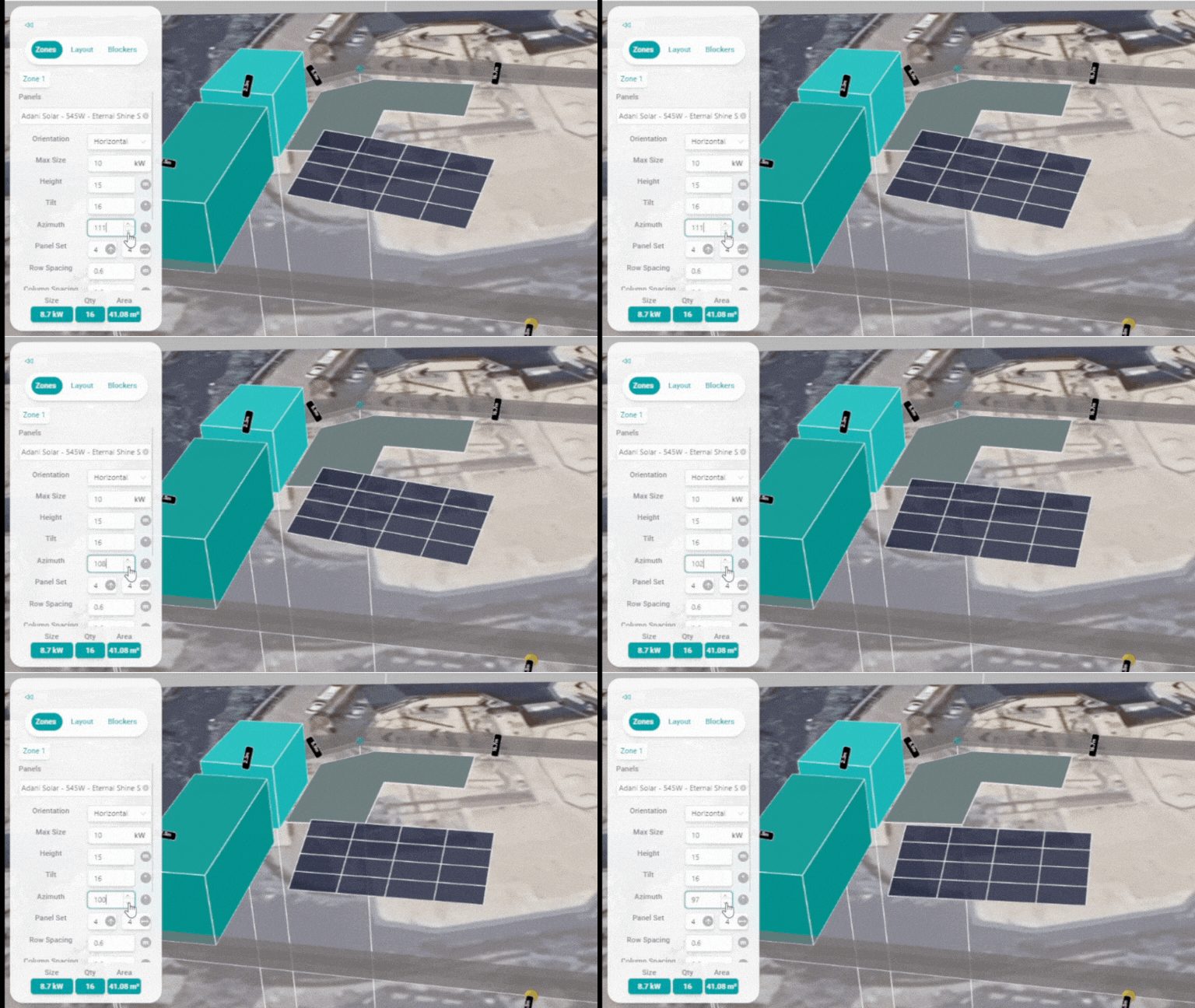
Panel Azimuth: Azimuth is the direction of a module's face on a compass.
- 0º: North
- 90º: East
- 180º: South
- 270º: West
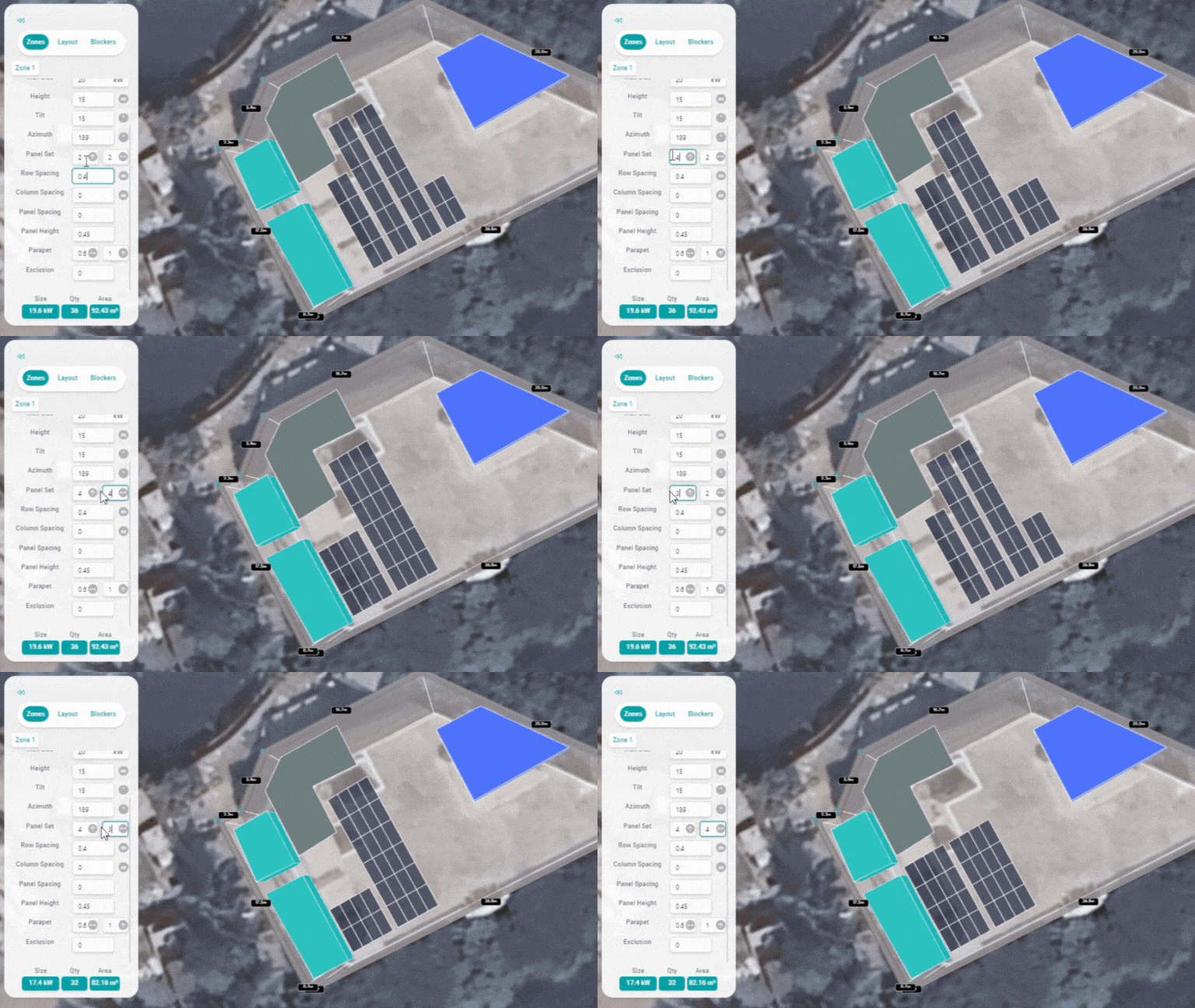
Panel Set: Organise panels into frames. Row is the number of modules from the base of the frame to the top of the frame, and column is the number of modules from side to side.
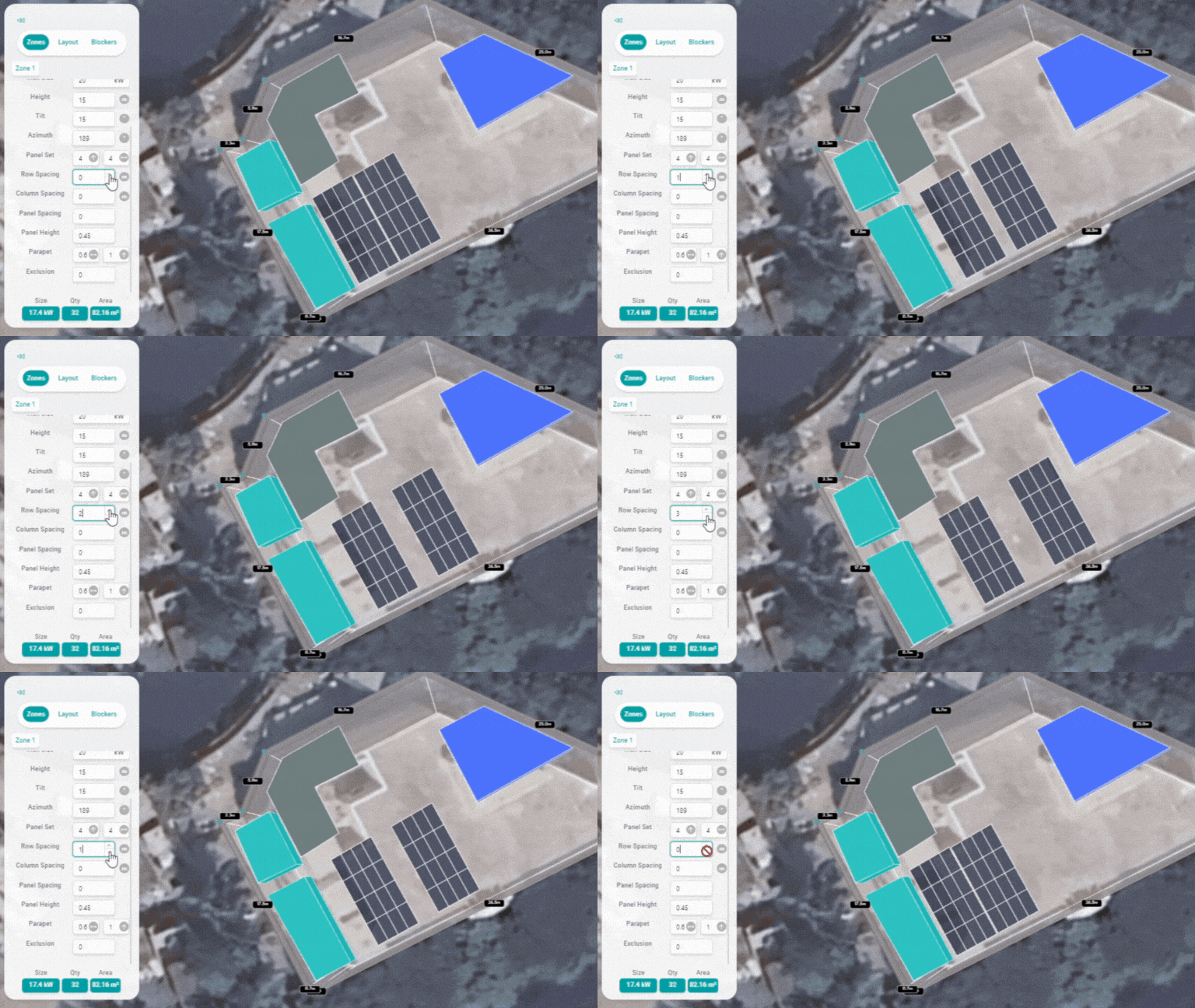
Row Spacing: Define the spacing between rows of Panel Sets.
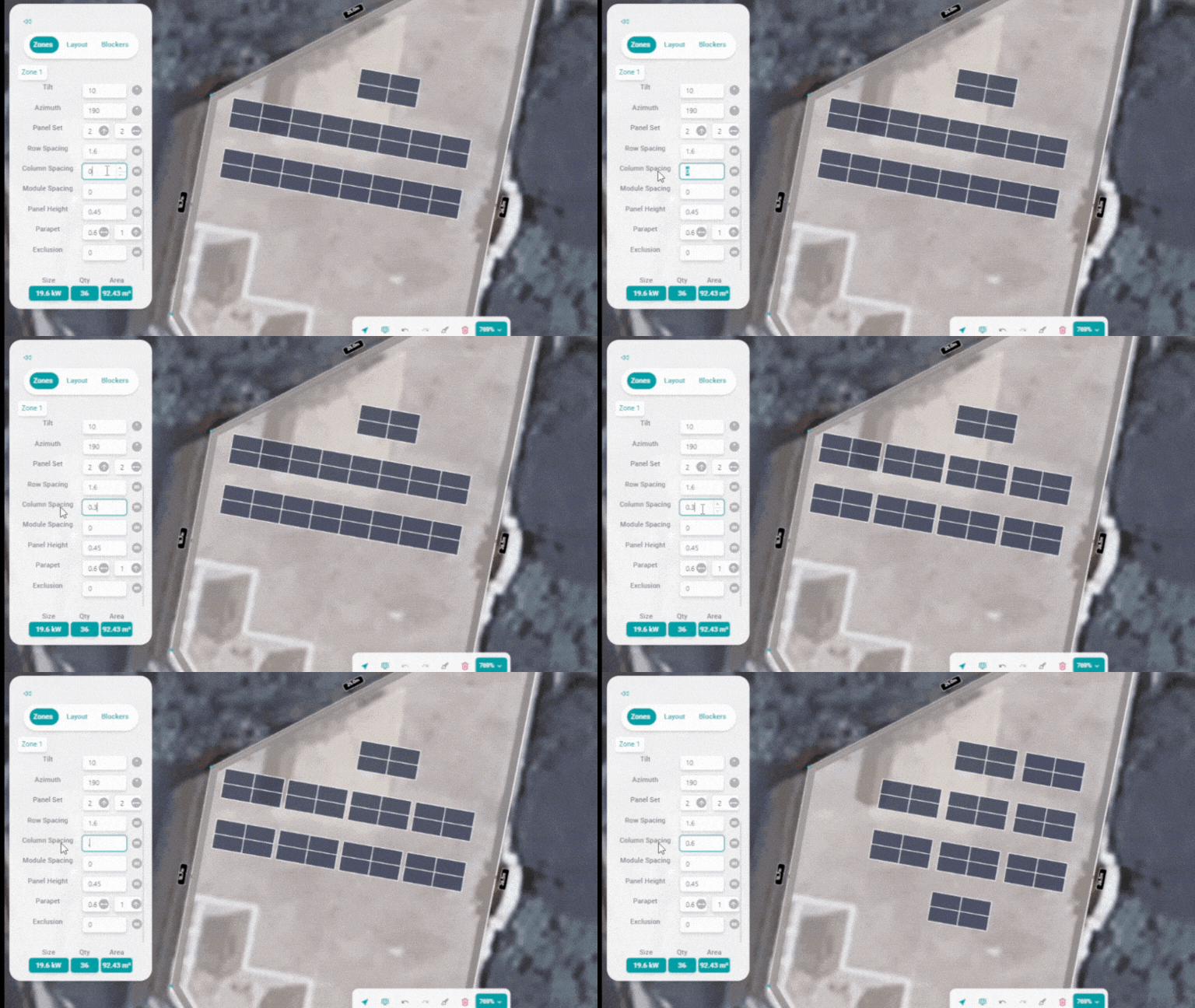
Column Spacing: Utilise the Column Spacing tool to set the distance between columns of Panel Set.
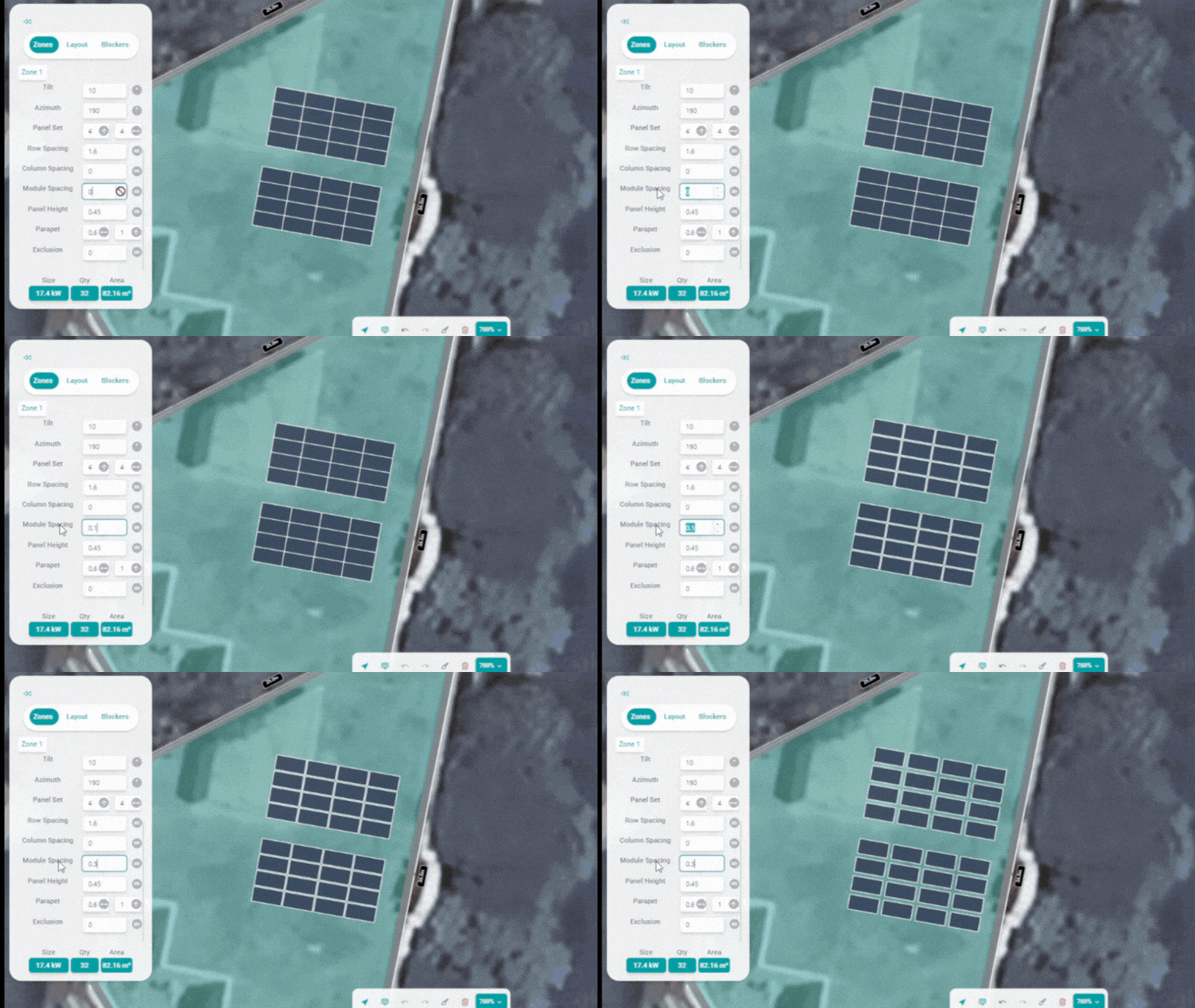
Module Spacing: Customise the spacing between individual solar modules with the Module Spacing tool. Achieve precision in your layout to optimise energy production.
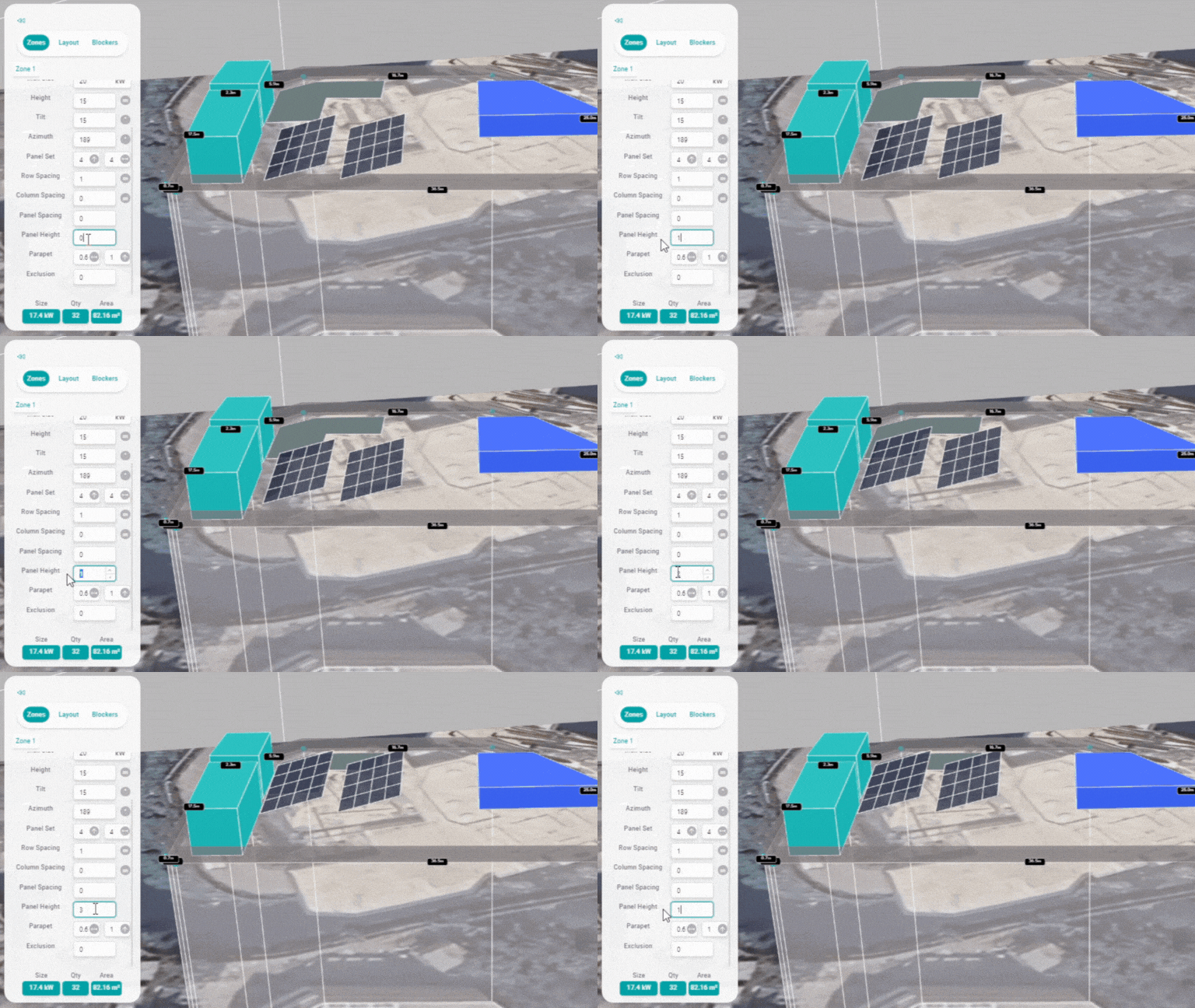
Panel Height: Set the height of panels using the Panel Height tool.
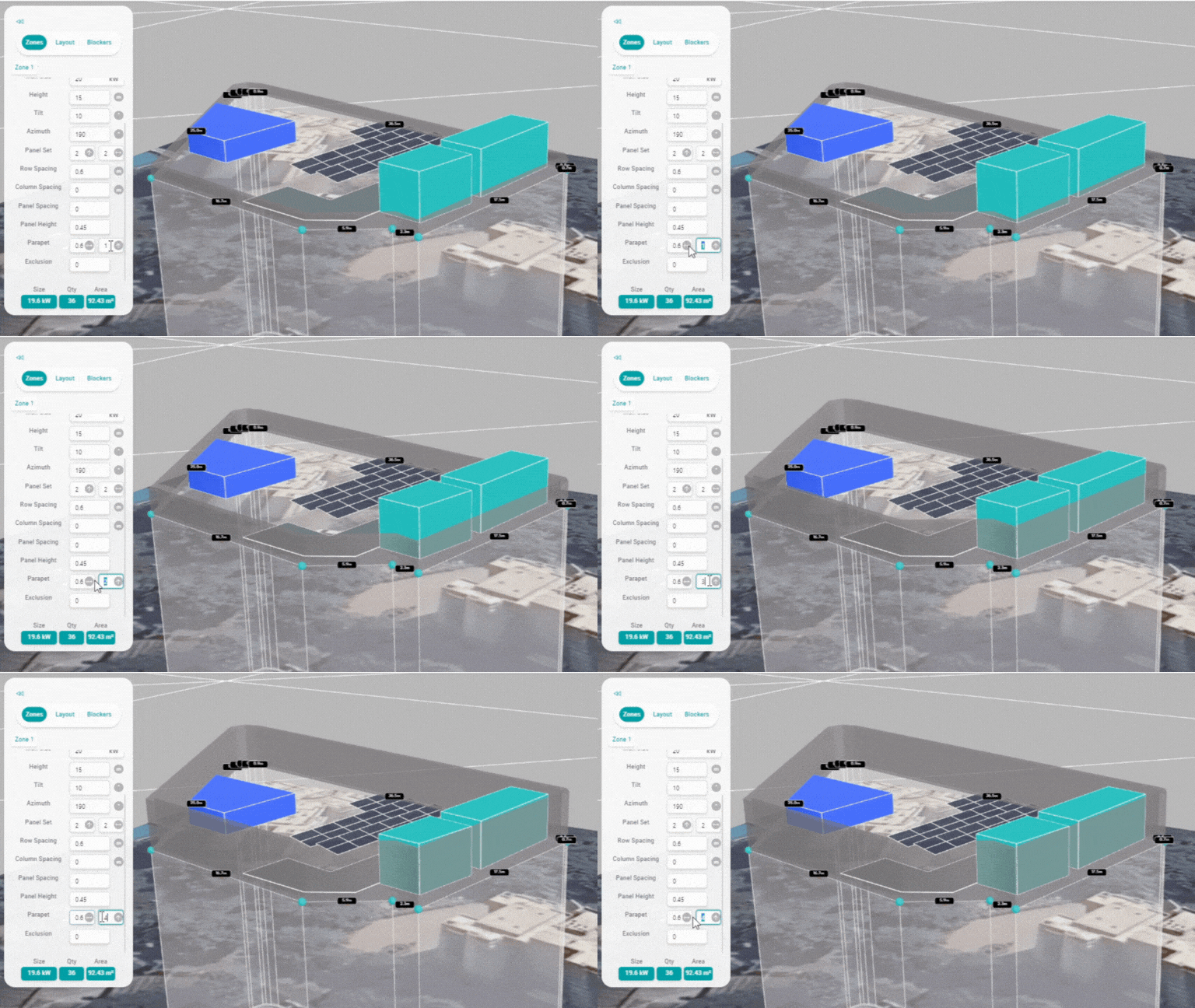
Parapet Height: Utilise the Parapet Height tool to specify the height of parapet elements in your solar design.
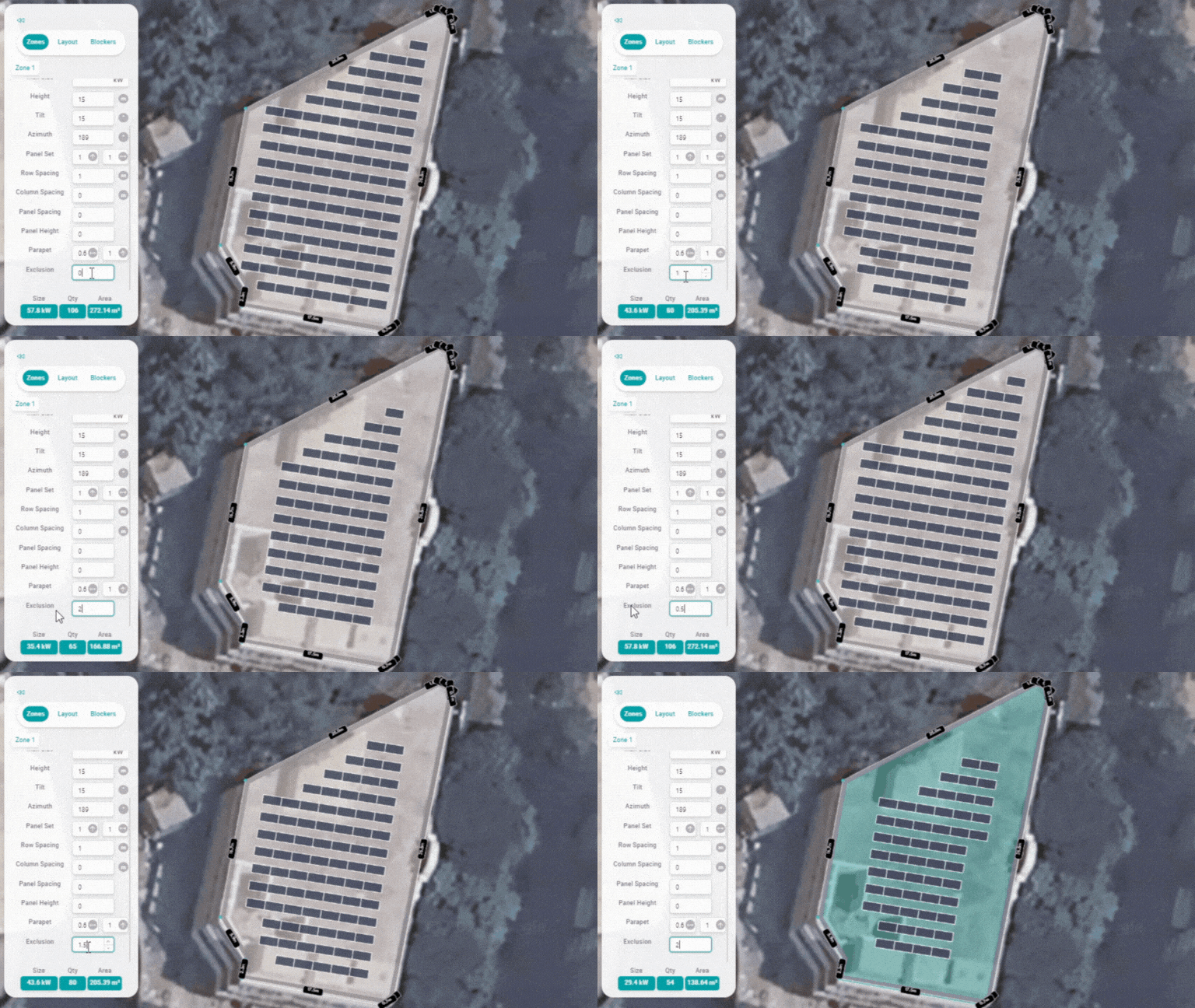
Exclusion: Use the Exclusion tool to exclude specific areas from your solar project. Mark out regions where solar panels should not be placed, considering obstructions or reserved spaces.
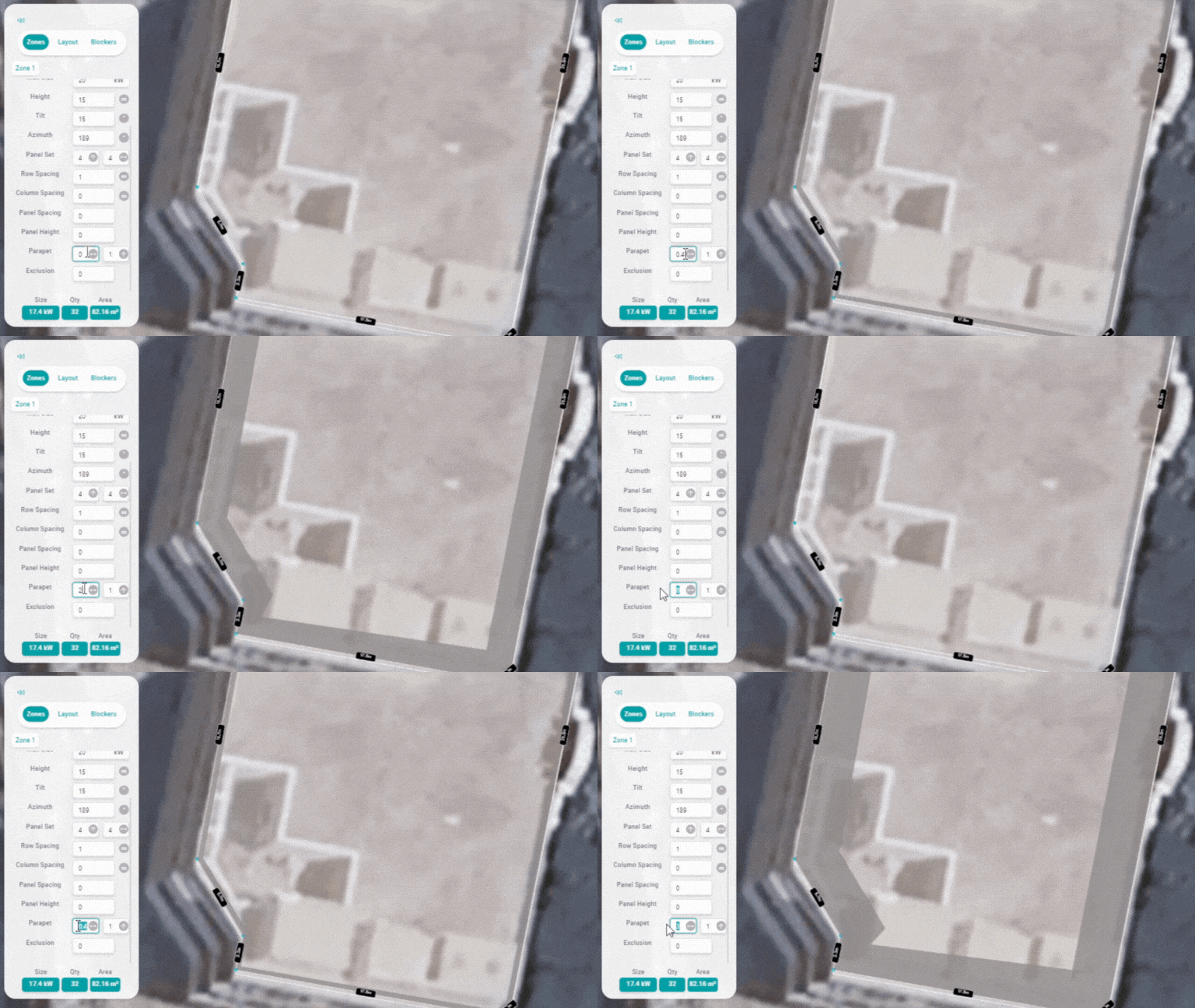
Parapet Width: Use the Parapet Width tool to define the width of parapet elements in your solar array layout.
Related Articles
3D Design: Getting Started, Tips and Tricks
How to Create a Zone: How To Rotate the Ground In 2D View: How to Move, Scroll and Zoom in a 3D project: How to Change The Panel Brand: How to Set Panel Orientation: How to Change the Azimuth and Panel Placement: How to Add Blockers And Objects: How ...How to enter into design editor
How to get started with design editor (Video Tutorial): https://youtu.be/U1cPTTf8e58 Step 1: Open any project, you want to create the design. Step 2: Click on "Design" Step 3: Select the location and update it Step 4: Click here to "Create new ...How to add Inverter in design
Step 1 : Click on the project in which you want to add inverter in design Step 2 : Click on Design Step 3 : Click on the name of the project / If you did not cteated the design then click on New Step 4 : Click on Layout (after filling the zone ...How to move panels in design
Step 1 : Click on the Project Step 2 : Click on Design Step 3 : Click on name of the project Step 4 : Select the Zone Step 5 : Right Click on the point where you want to move the panels and click on Align panels to click As you can see, your panels ...How to Generate SLD
Steps to Generat SLD. 1️⃣ Open your Project 2️⃣ Go to the Design Tab 3️⃣ Click on the SLD Icon 4️⃣ Fill in the Basic Information 5️⃣ Hit Update SLD Your Single Line Diagram will be generated in just a few seconds ⚡