How to Search for a project on Solar Ladder
How to Search for a project on Solar Ladder
Step 1: Go to Projects Tab and Click on Search

Step 2: Fill one (or more) any of the details of the project
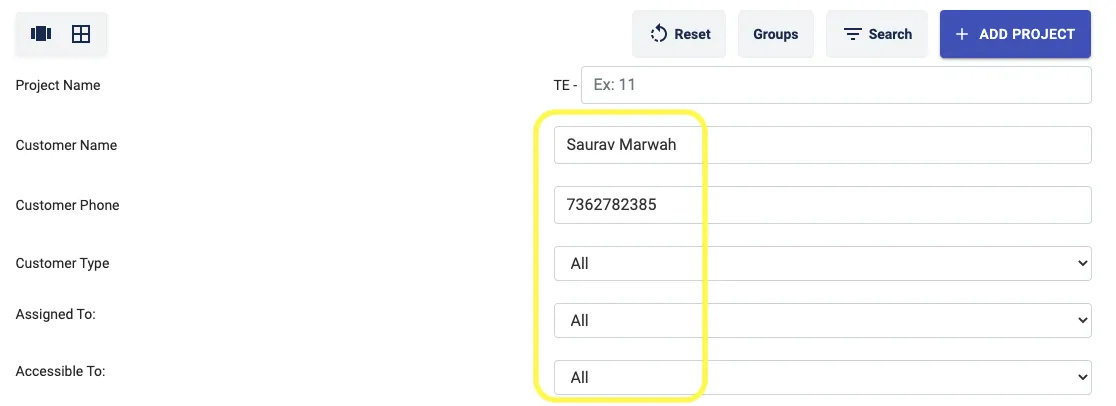
Step 3: Click on Fetch by Filters

The required project will then get displayed in the lane it was last added
If you are in table view
Step 1: Go to Projects Tab and Click on Table View Icon

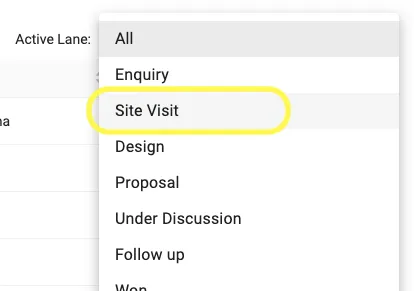
Step 2: Click on the drop down next to Active Lane or Click on Search Button

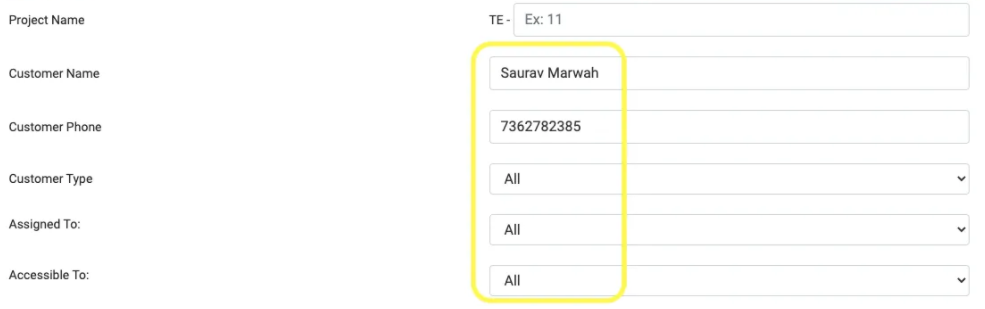
Step 3: Select the Preferred Lane or Select the filter from the Search Button
Related Articles
How to Import Your Projects to Solar Ladder in Bulk
If you have several projects on your pipeline already, Solar Ladder's Bulk Import feature makes it easy to import those projects at once onto Solar Ladder for better management, in one click via one Excel File. A very quick guide on how to bulk ...How to Edit Customer Information
How to Edit Customer Information Step 1: Open the concerned project Step 2: Go to Edit Customer Tab and make desired changes Step 3: Click on Update Project at the bottom of the page to Save the changesHow To Add A New Project
How To Add A New Project Step 1: Go to Project Dashboard and Click on + Add Project Step 2: Enter Customer Details Step 3: Select the "Project Lane" to which you want to add this project to Step 4: Select the Member you want to Assign the Project to ...Delete/Archive a Project
How to Delete/Archive a Project Step 1: Go to Projects Tab and Open the project you want to delete Step 2: Go to Archive Tab in the project and Click on "Click Here to Archive this Project" Step 3: Click on OK The project will get archivedHow To Add Project Members In A Project
How To Add Project Members In A Project Step 1: Open the Project you want to add a member to and Go to Project Members Step 2: Select the User you want to add from the list of Team Members Step 3: Click on Give User Access and then Press OK New ...